One launcher.
No compromises.
FireClient is an instance-first launcher: every version, loader, modpack and setting lives in its own isolated environment, managed by one consistent interface.
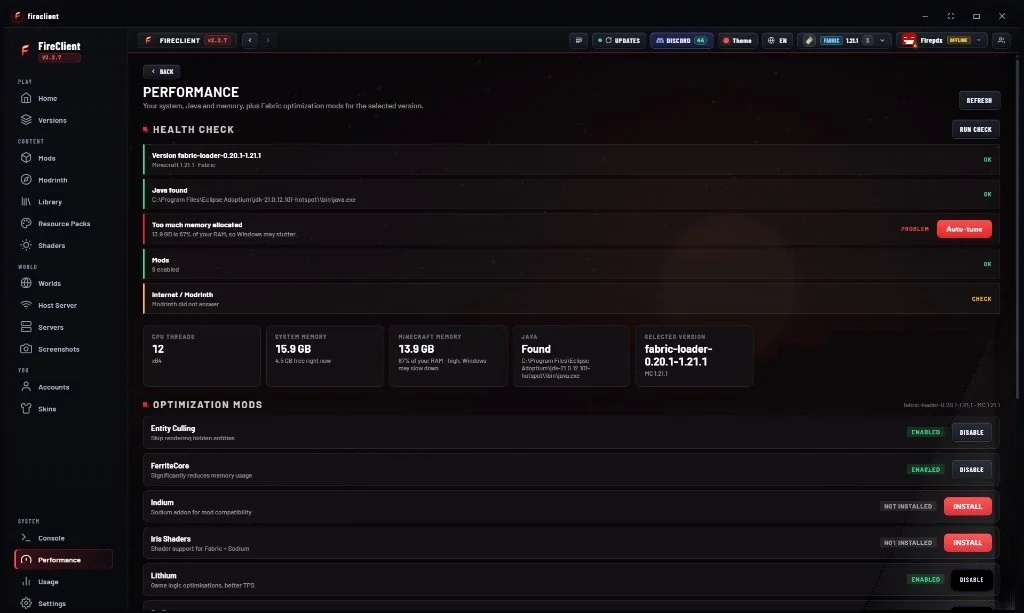
Performance profiles
FireClient does not ship magic. Every profile is a documented set of JVM and client settings you can inspect, edit and reset. Apply a profile to one instance or all of them.
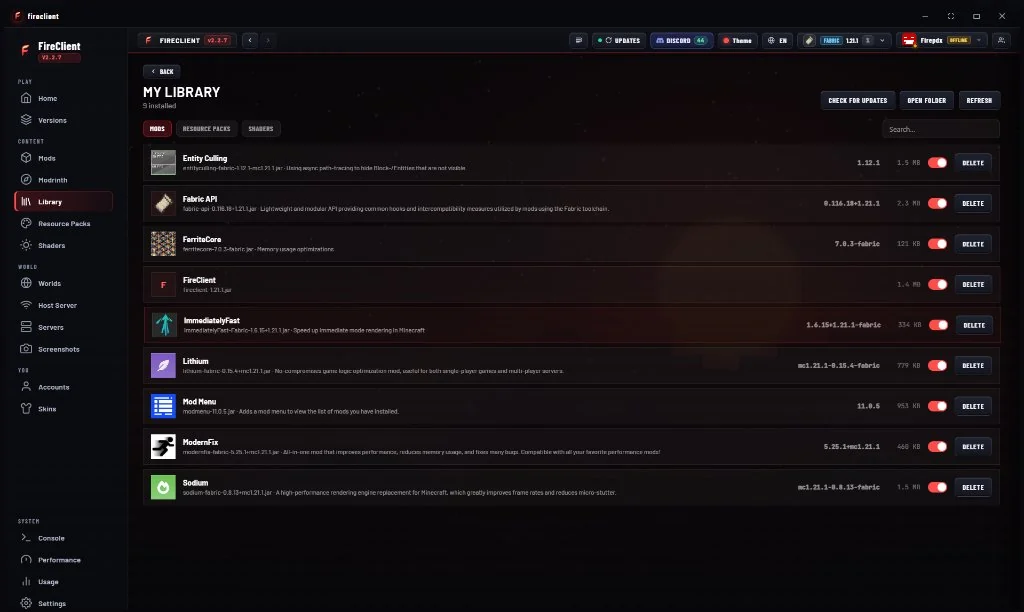
Mod manager
FireClient reads mod metadata directly from the jars in your instance, then checks loader compatibility and dependency declarations. Problems are reported as warnings before you launch, never as silent crashes.
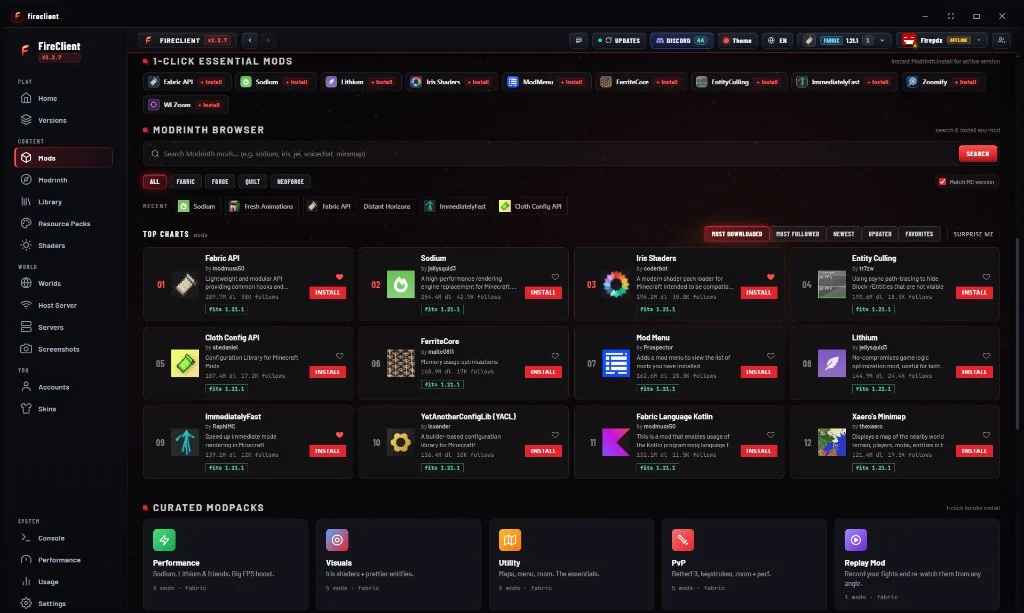
Modpack profiles
Each modpack is a self-contained instance: its own game directory, loader, Java runtime, mods folder and config. Switching packs never mixes files, and exporting a pack gives you a shareable manifest.
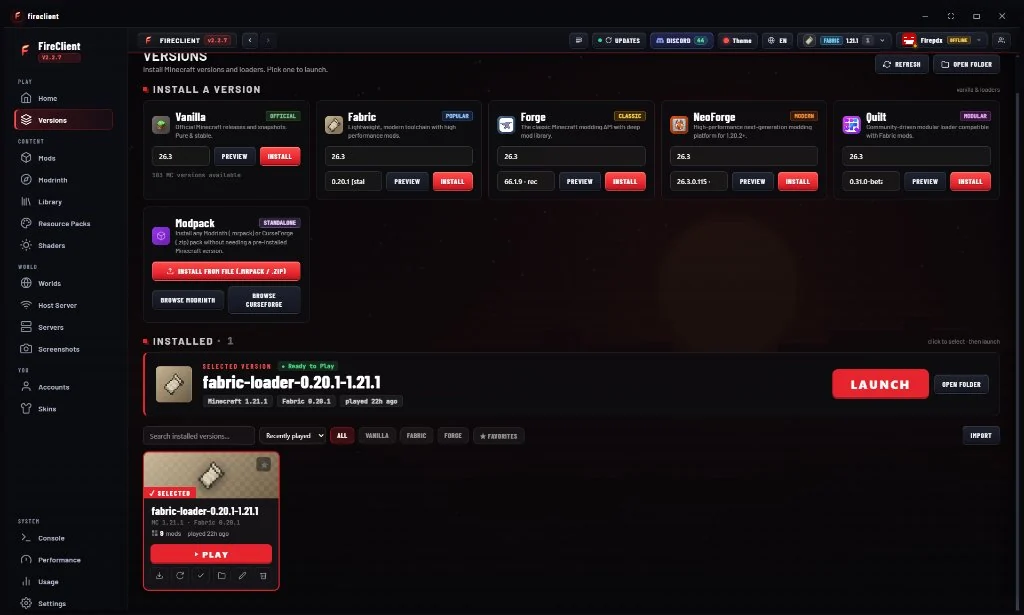
Version manager
The version manager pulls from the official Mojang version manifest, resolves libraries and assets, and verifies every file it downloads. Loader metadata is added on top so you always know what a version supports.
Microsoft accounts
Authentication runs the official Microsoft OAuth device flow, then exchanges the result through Xbox Live, XSTS and the Minecraft services API before confirming game ownership. Your password is never seen by FireClient, and tokens never reach the interface layer.
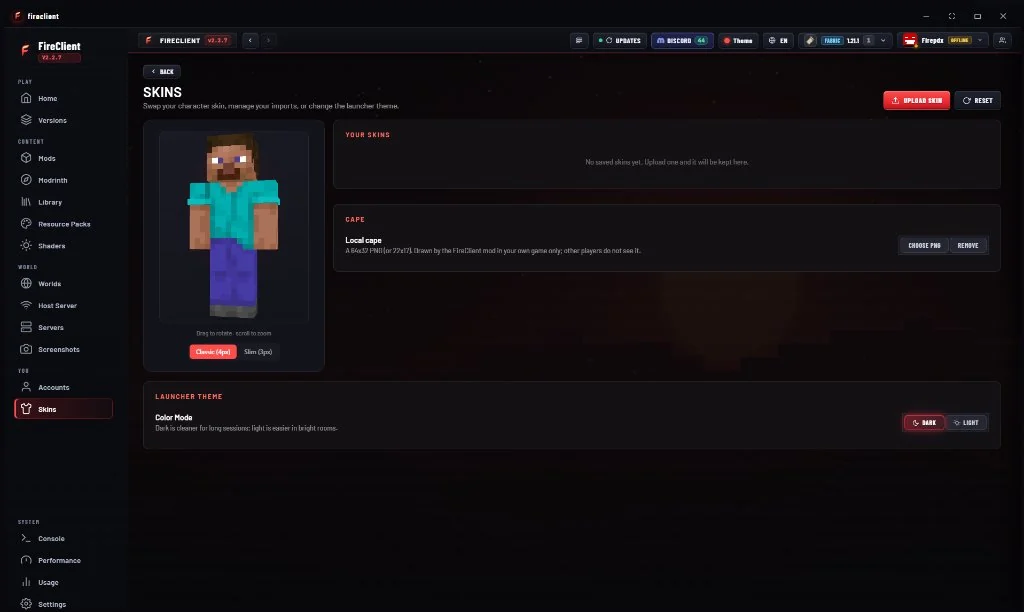
Download manager
Downloads are queued, chunked and hashed. Failed transfers are retried with backoff, and anything that fails verification is discarded rather than used. You can pause and resume the queue at any time.
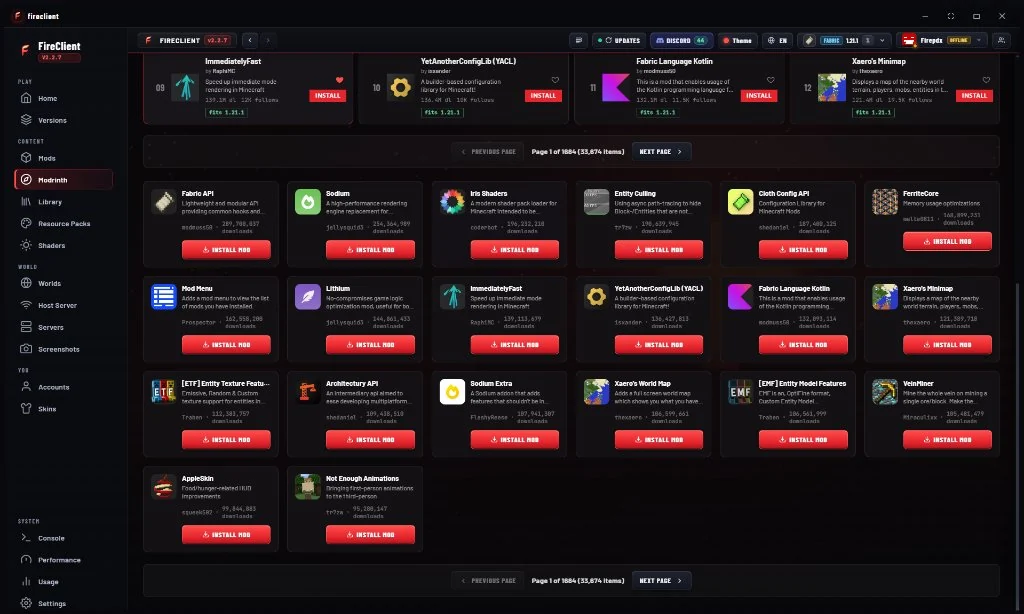
Interface customization
The launcher is built on a token-based design system, so theming is a first-class feature rather than a skin. Accent colors are validated for contrast against every surface they touch.
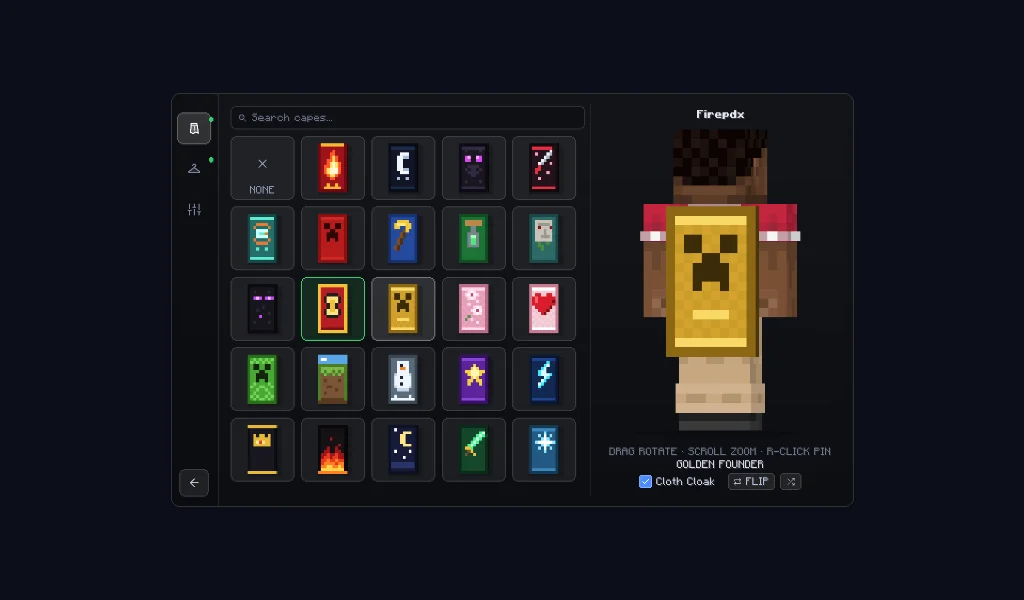
Verified updates
FireClient checks the release feed on launch, shows you the changelog, and only installs an update after the download hash matches the published manifest. Stable and beta channels are separate.
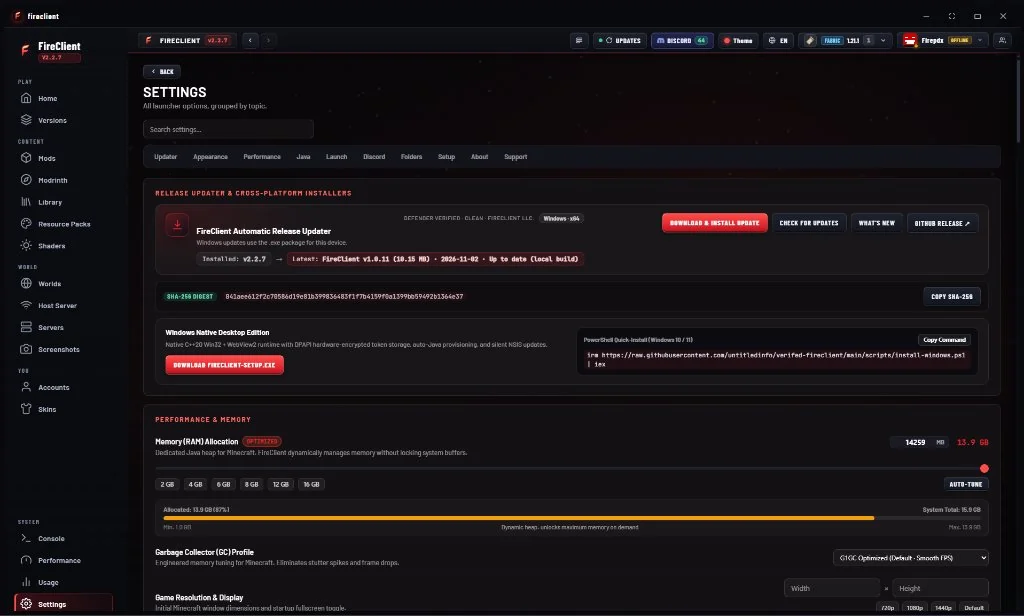
Secure by
construction.
The interface never touches your files, your tokens or your Java runtime directly. Everything privileged happens in a validated main process, and every download is hashed before it is used.
Context isolation
Renderer has no Node access.
Validated IPC
Every payload parsed against a schema.
Encrypted tokens
OS keystore, main process only.
Hash verified
SHA-256 on every download.